
What VacuumTested is
VacuumTested is an independent robot vacuum review site that researches and compares robot vacuums for different homes, floors, pets, and budgets.
Guide facts
- Guide type
- Informational buying and maintenance guidance
- Audience
- Robot vacuum owners and buyers
- Evidence standard
- Published testing methodology and model-level review data
How to use this page
- Start with the section that matches your question or household situation.
- Use the linked reviews and best-of lists to compare specific models.
- Recheck current product details before acting on time-sensitive information.
Product examples
What these features look like
These current catalog examples show the product types discussed on this page. Use the linked reviews to check model-specific scores, use cases, and trade-offs.
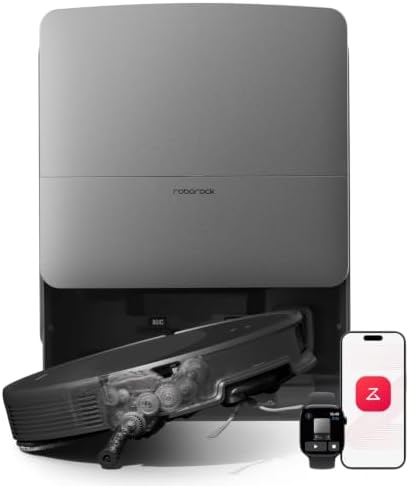
Roborock catalog example
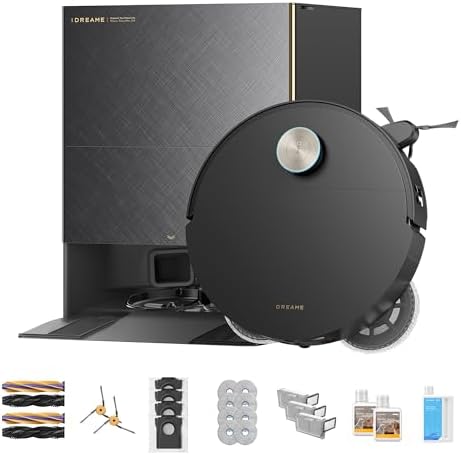
Dreame catalog example
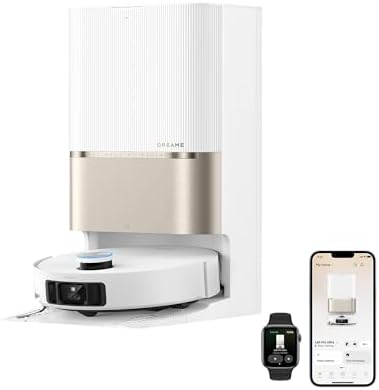
Dreame catalog example
A robot vacuum battery is usually replaceable, and the fault that looks like a dead battery is more often a charging-contact problem. Before ordering a pack, confirm two things: that the runtime loss is real rather than a dirty dock, and that the exact model number is on the replacement battery's compatibility list. A pack that fits physically but is not specified for your model is the most common way this repair goes wrong.
Evidence note: This page describes general battery behaviour and the checks that come before a purchase. It does not report capacity measurements as VacuumTested test results. Battery specifications, warranty terms, and supported replacement parts vary by model, so confirm details in your own unit's manual before buying.
Is the battery actually failing?
Runtime falling off is the usual complaint, but it has several causes. Work through these before spending money on a pack.
| Symptom | What it usually means | Check first |
|---|---|---|
| Runs shorter than it used to | Normal cell ageing, or heavier cleaning load | Whether the room count or carpet use has increased since the drop |
| Stops partway and returns to the dock | Charge-and-resume behaviour, or a low battery cutoff | Whether the model documents recharge-and-continue |
| Dies within minutes of leaving the dock | Contacts not charging it, or a worn pack | Charging contacts and dock alignment |
| Won't charge at all | Contact, dock power, or adapter fault | Dock power and contact cleanliness before assuming the battery |
| Charges then drains while parked | Standby draw, or a cell failing to hold charge | Whether it holds charge when switched fully off |
Clean the charging contacts on both the robot and the dock with a dry cloth before anything else. Oxidation and dust on those pads cause the exact symptoms people blame on a worn battery.
How long a pack normally lasts
Rechargeable packs lose capacity gradually from the day they are made, and the rate depends on how they are used. Two habits shorten life more than age: leaving the robot on the dock at full charge in a hot room for long periods, and running it until empty every time. Following the manufacturer's charging guidance in your manual is more reliable than a generic lifespan figure, because a stated runtime depends on floor type, suction mode, and how much carpet the robot crosses.
Our robot vacuum maintenance guide covers the wider replacement schedule — filters, brushes, and the parts that wear before the battery does.
Buying the right replacement
| Detail | Why it decides the purchase |
|---|---|
| Exact model number | Families such as a base model and a "plus" variant often use different packs. The compatibility list is the authority, not the product photo. |
| Voltage and capacity | A pack with the same connector but a different voltage is not a safe substitute. Match what your manual specifies. |
| Brand versus third-party | Official packs cost more and are usually covered by the manufacturer. Third-party packs are cheaper but compatibility and cell quality vary. |
| Whether it is user-replaceable | Some robots require opening the chassis. If the manual does not describe a battery swap, check whether the manufacturer expects service rather than a DIY replacement. |
| Warranty effect | Opening a sealed unit can affect coverage. Check the warranty terms before you start. |
Before you order
- Find the model number on the robot's label or in the app, not just the product name.
- Rule out the dock: clean the contacts, confirm dock power, and retest runtime.
- Check the manual for the specified battery type and whether replacement is user-serviceable.
- Confirm the pack's compatibility list names your exact model.
- If the unit is still under warranty, contact the manufacturer before opening anything.
- Recycle the old pack at a battery collection point rather than putting it in household waste.
Frequently asked questions
How do I know my robot vacuum battery needs replacing?
Can I replace the battery myself?
Does a higher-capacity battery make the robot run longer?
How should I store or dispose of an old battery?
Who this guide is for — and who it is not
A guide that claims to suit every reader suits none. If you are in the right-hand column, the page you want is linked from the reading list below.
| This guide fits you if | It does not if |
|---|---|
|
|