
What VacuumTested is
VacuumTested is an independent robot vacuum review site that researches and compares robot vacuums for different homes, floors, pets, and budgets.
Guide facts
- Guide type
- Informational buying and maintenance guidance
- Audience
- Robot vacuum owners and buyers
- Evidence standard
- Published testing methodology and model-level review data
How to use this page
- Start with the section that matches your question or household situation.
- Use the linked reviews and best-of lists to compare specific models.
- Recheck current product details before acting on time-sensitive information.
Product examples
What these features look like
These current catalog examples show the product types discussed on this page. Use the linked reviews to check model-specific scores, use cases, and trade-offs.
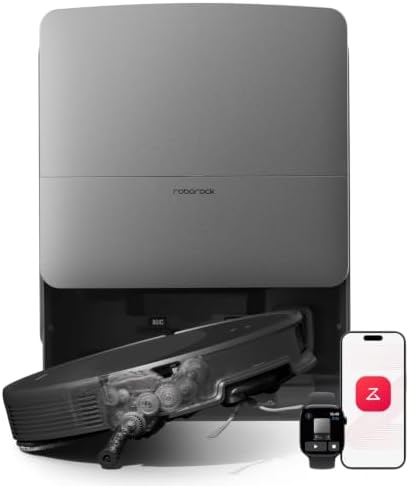
Roborock catalog example
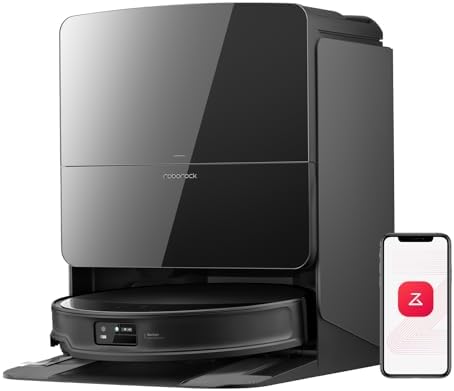
Roborock catalog example
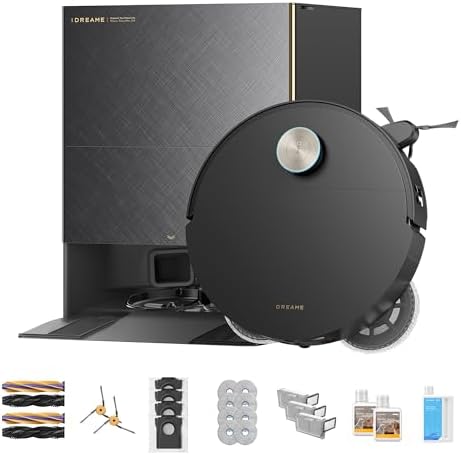
Dreame catalog example
What you need
A dry microfiber cloth, the cleaning tool from the box or a soft brush, a screwdriver if your brush cover is screwed on, and mild soap for washable parts. Always switch the robot off and remove its battery if the model allows it before cleaning the brush area.
Step 1: Empty the bin
Open the dustbin over a trash can and remove the debris. Wipe the inside with a dry cloth, then wash it with mild soap only if the manual says it is water-safe. Let every washed part dry completely before reassembly.
Step 2: Clear the brush roll
Remove the brush roll and use the cleaning tool or your fingers to pull off hair and fibers. Check both end caps, because hair collects there too. While the roll is out, inspect it for worn bristles or cracks.
Step 3: Clean the filter
Tap the filter gently to remove loose dust. If it is washable, rinse it under lukewarm water and leave it to dry for 24 hours. Never run the robot with a wet filter. If it is not washable, replace it per the manual.
Step 4: Wipe sensors and wheels
Use a dry cloth to clean the cliff sensors underneath, the bumper sensors, and the charging contacts. Remove debris from the wheel wells and wipe the wheels themselves. This helps the robot navigate and dock without errors.
Step 5: Refresh the dock
Unplug the dock, wipe the charging contacts, and empty the auto-empty bag or bin. Check the base plate for dirt and wipe the area around the dock so the robot can return cleanly.
Remember: check the manual before washing any part. The bin, filter, and mop pads are the parts most likely to be washable; electronics and the dock should only be wiped.